Devices
Each computer or phone can carry a status, a person, and the tickets that mention it.
Day-to-day technology operations
MHM IT Support is the MHM Technology Group company for everyday technology work: requests, devices, visits, agreements, and the conversation between your team and a technician.


Sample workspace
Preview| Request | Status |
|---|---|
| Mailbox access for a new hire | New |
| Front-desk printer offline | In progress |
| Vendor case for the fiber circuit | Waiting |
Illustrative layout only. These are not customer records or performance figures.
A named operating rhythm for the devices, accounts, and requests your organization already depends on.
A structured way for employees to ask for help and for technicians to keep the conversation, status, and outcome together.
Assistance for people who can be reached from where they already work, with session links recorded only when a provider is actually used.
Scheduled visits when a device, network, or workplace needs someone physically present.
An inventory of the computers, phones, and other equipment an organization expects support to recognize.
Support requests and records for the networks people use to reach their applications.
Day-to-day help with Microsoft 365 accounts, mail, files, and the access questions that surround them.
Support for Google Workspace users, shared drives, and the access changes that come with staffing changes.
Operational help for account security, suspicious activity, device concerns, and the follow-up those events require.
Requests, records, and projects for restoring files, mail, or devices when something is lost or damaged.
A way to coordinate the technology work required when a location, service, or vendor is disrupted.
Planned technology work that should not be forced into a single support ticket.
Managed IT here means a standing way of working: your people can ask for help, your devices are named, and the agreement you have with MHM IT Support is visible to the people who need it. It is not a bundle of unnamed tools or a promise pasted onto a homepage.
Scope is written down. Everyday requests stay in the queue. Larger changes become projects with quotes. If a price is not in your agreement, the plan says Request a Quote.
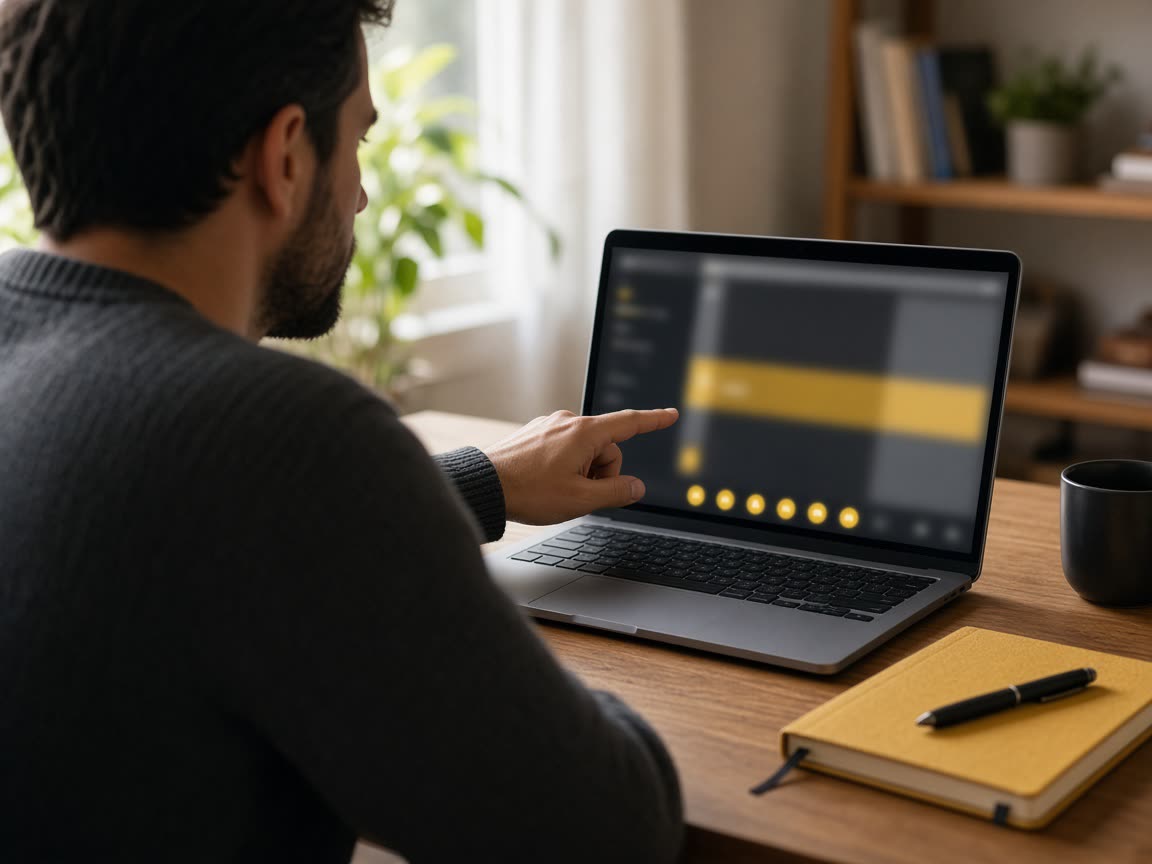
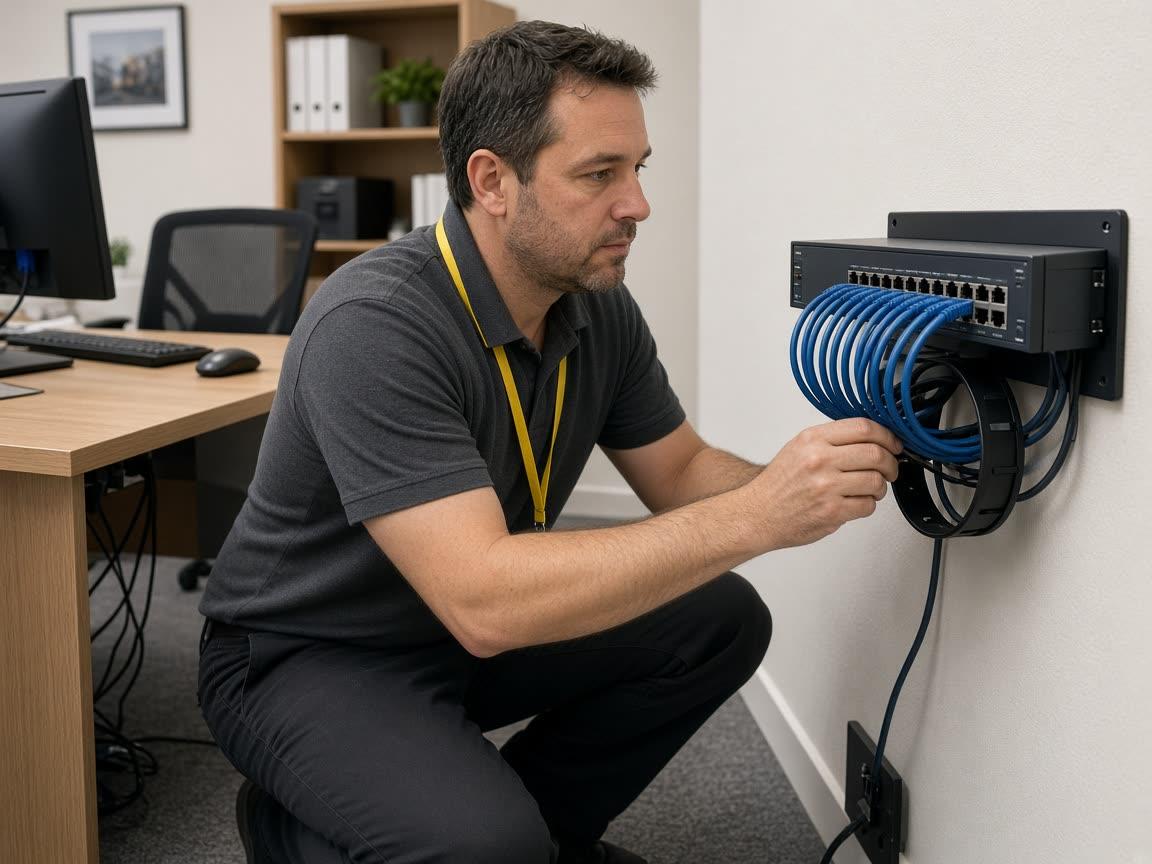
| Remote support | On-site support | |
|---|---|---|
| Best for | Accounts, software, and machines that can be reached securely | Hardware, cabling, and rooms a technician needs to enter |
| How it is requested | Choose remote on the ticket | Choose on-site and a location |
| What is recorded | The reply, the time, and any session reference | An appointment window and the visit notes |
| What we will not imply | That a session is connected before a provider confirms it | That a visit is booked before it is scheduled |
01
Someone describes the impact, the urgency, and whether they need remote or on-site help.
02
A support manager confirms the category, priority, and the person who will do the work.
03
The technician replies in the ticket, records time, and keeps internal notes separate.
04
The requester reviews the resolution, closes the ticket, and can leave a rating.
Each computer or phone can carry a status, a person, and the tickets that mention it.
Wi-Fi and connectivity requests stay tied to a location and, when needed, a vendor.
Microsoft 365 and Google Workspace help is tracked beside the rest of the work, inside your own tenant.
Urgent account and device concerns can be prioritized. Restores can require an approval. Technicians record what they did. The platform separates organizations so one customer cannot read another customer’s tickets, files, or invoices.
We do not publish certifications, customer counts, or recovery guarantees on this site. If a control matters to your organization, ask for it in the assessment and we will say whether it is in scope.
| Plan | What it is for | Includes | Price |
|---|---|---|---|
| Coordination | A portal, a queue, and a place to keep devices and requests organized. | Customer portal, Ticket history, Device list, Knowledge base | Request a Quote |
| Operations | Day-to-day remote and on-site support with appointments, time, and a named technician queue. | Everything in Coordination, Remote and on-site requests, Appointments, Time records | Request a Quote |
| Projects | Planned technology work quoted separately from everyday support. | Scoped projects, Quotes and approvals, Task lists, Invoice records | Request a Quote |

Firms where people, laptops, and client files move together and support requests need a written trail.

Front office technology, workstations, and connectivity. Clinical decisions stay with the care team.
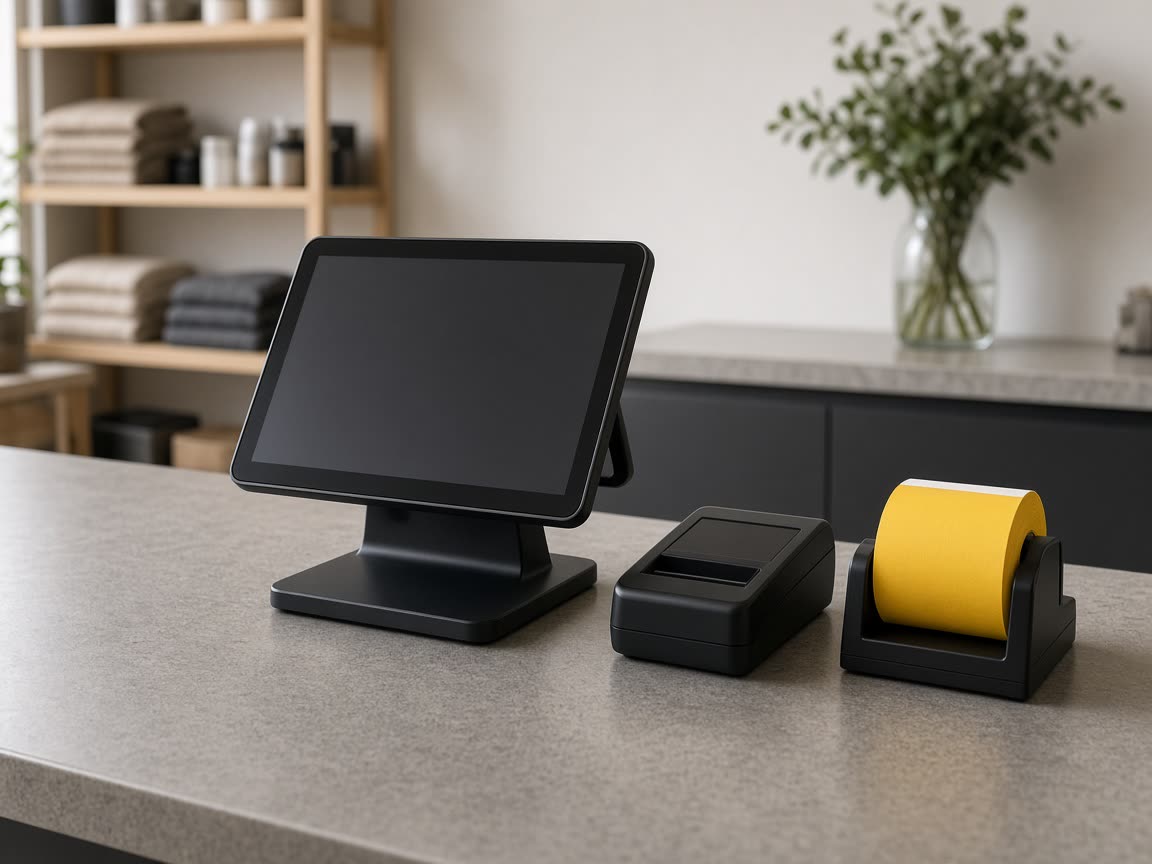
Point-of-sale devices, Wi-Fi, and the staff accounts that keep a location open.
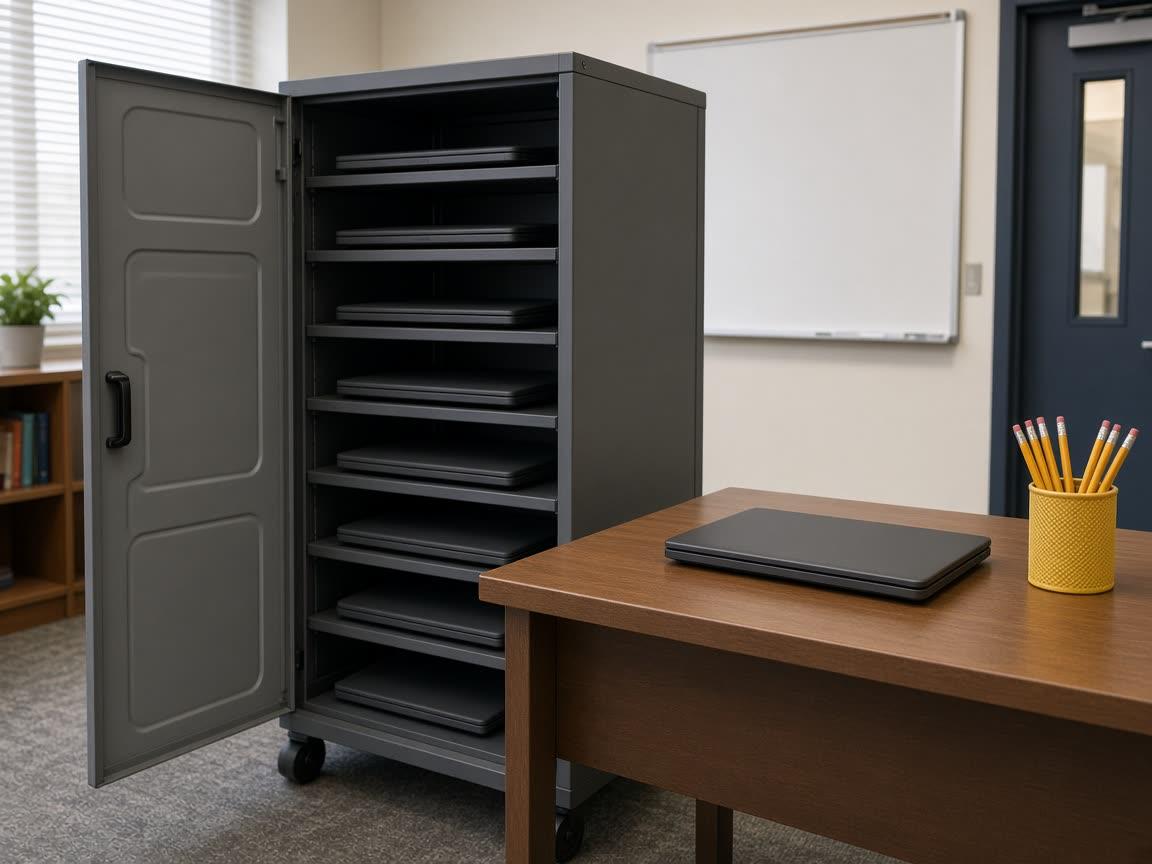
Shared devices, classroom connectivity, and account help for staff and instructors.
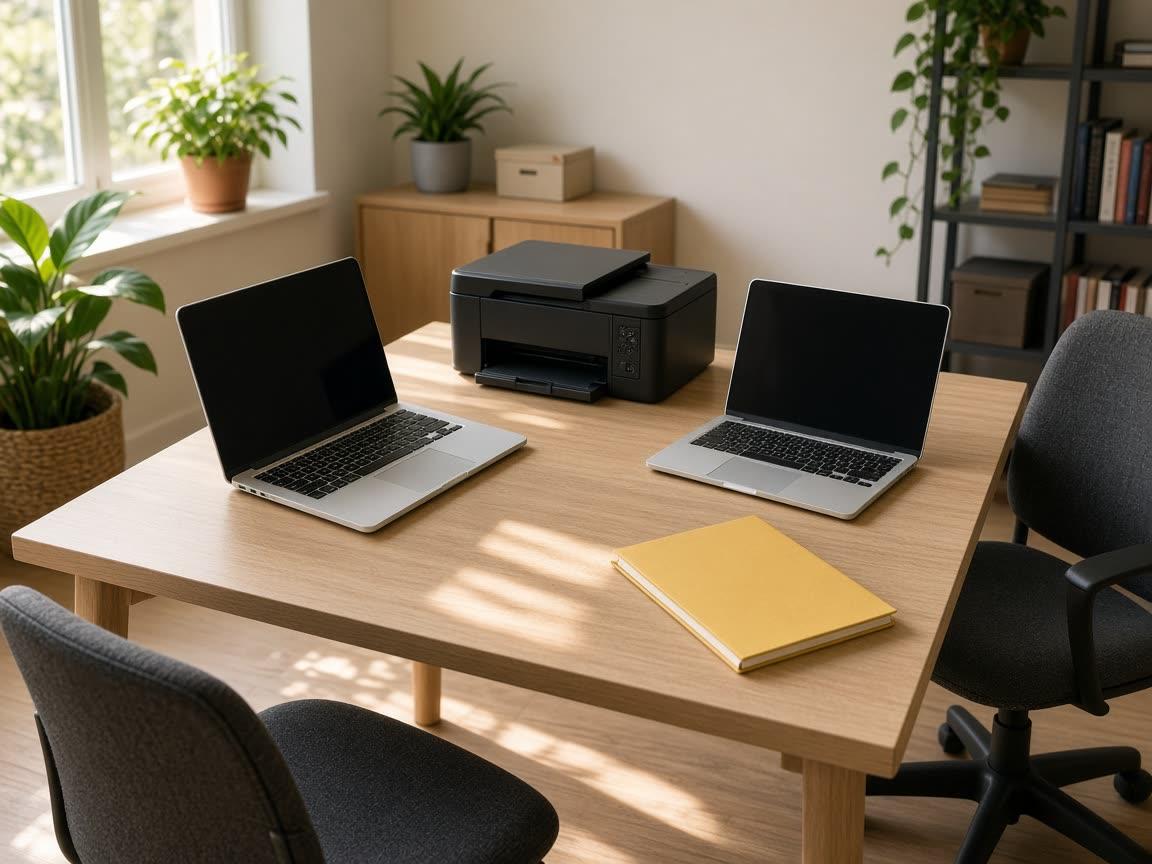
Small teams that still need a clear way to ask for help and see what is covered.
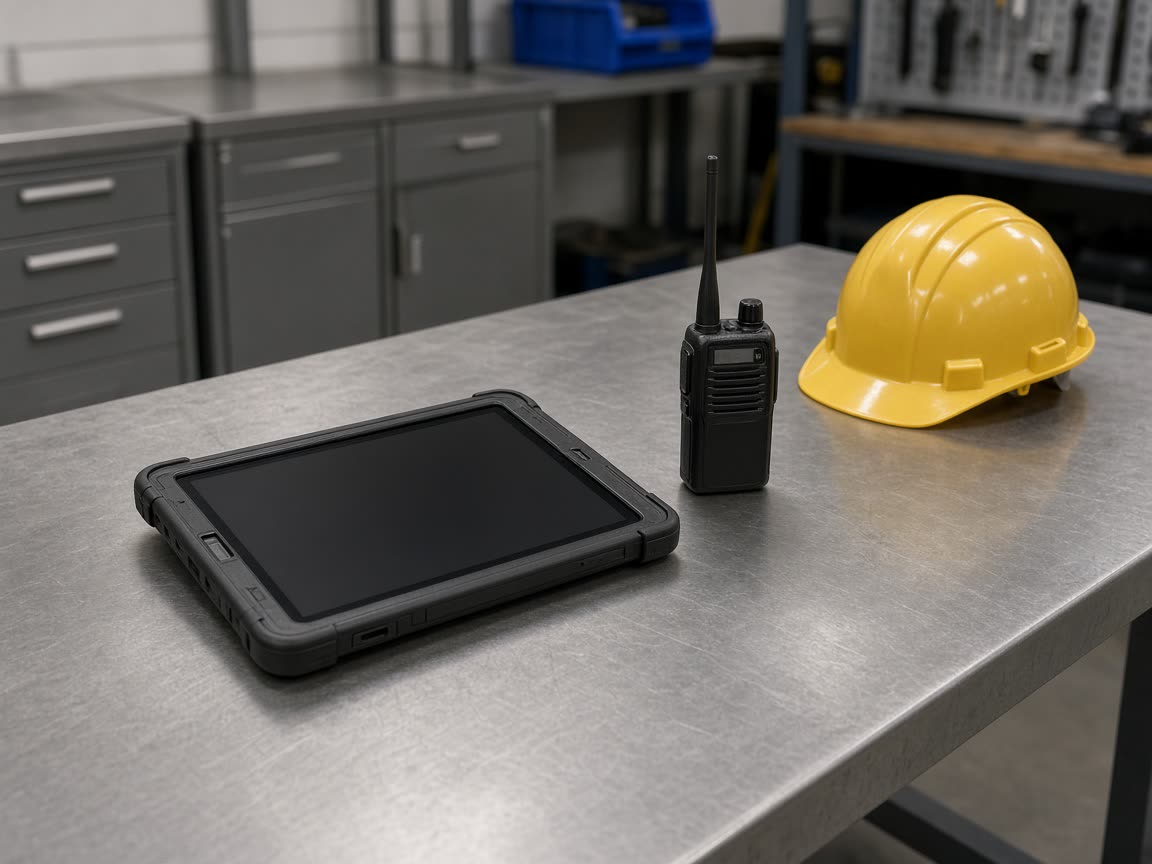
More than one site, equipment that travels, and requests that should name a location.
Owners see open tickets, upcoming visits, covered devices, the current agreement, invoices, and announcements. Members request help without seeing internal technician notes. Read-only access is a role, not a workaround.
Portal preview
The fields that make a device useful on a ticket.
The difference between a public reply and an internal note.
What to include so a technician can start without guessing.
Four companies. Four jobs. MHM IT Support is the one for day-to-day technology operations.
MHM Digital Agency
Digital experience, branding, and growth
Group pageMHM Hosting
Infrastructure for websites, applications, and digital operations
Group pageMHM Digital All-in-One Marketing Platform
CRM, campaigns, funnels, and automation in one platform
Group pageMHM IT Support
You are here
Day-to-day technology operations and support
Group pageRequest support for something broken now, or an assessment if you want the wider picture first.